Step 1
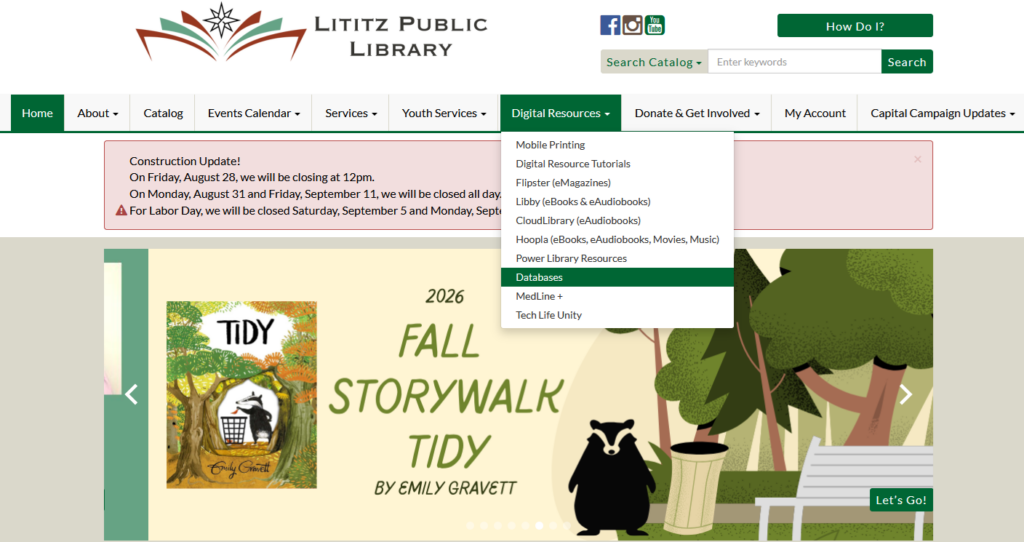
From our website, go to the Digital Resources menu and select Databases.
Step 2
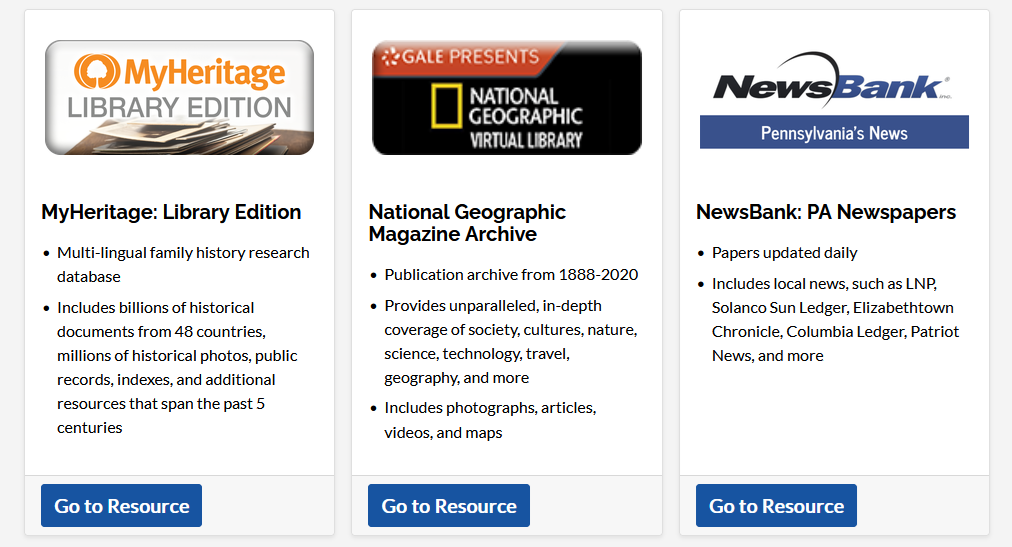
Scroll down the list of databases until you get to MyHeritage Library Edition. Click on Go to Resource.
Step 3
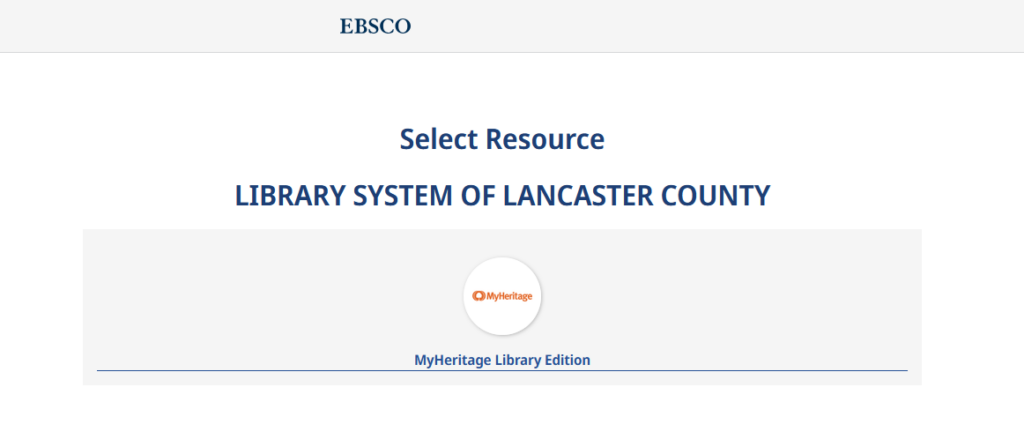
From the page that loads, select the text that reads MyHeritage Library Edition to load the website.
Step 4
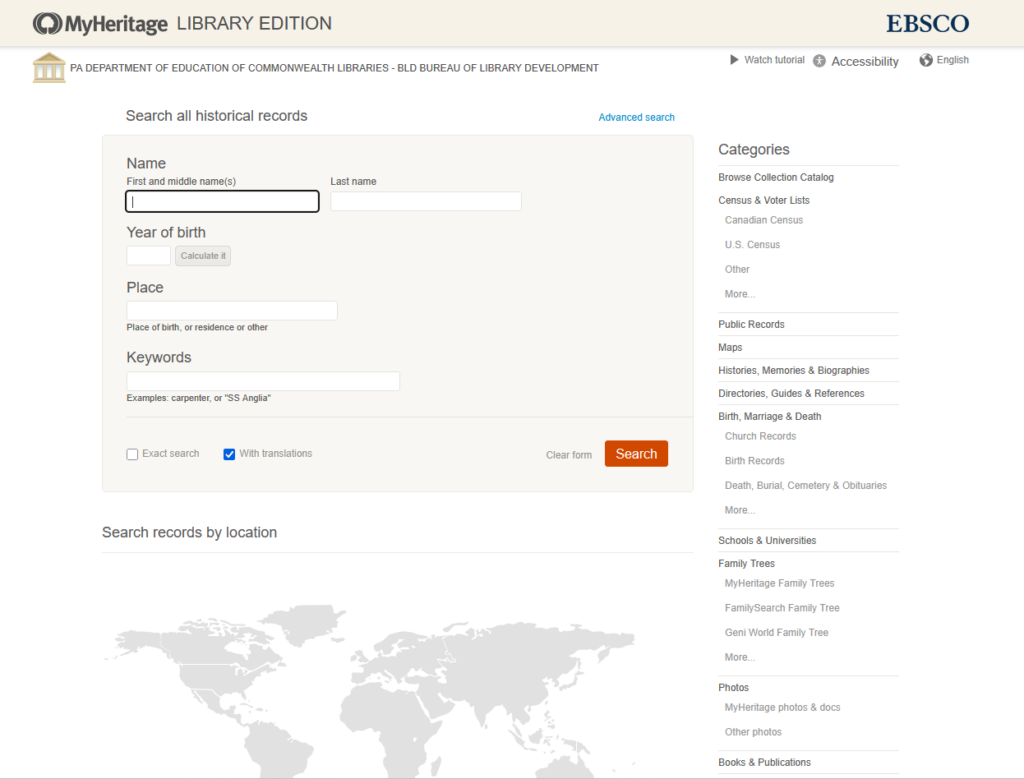
Begin using MyHeritage Library Edition!