
Before Getting Started
In order to access CloudLibrary from POWER Library, you must get a POWER Library card. This is free for all Pennsylvanians. Follow the steps below to get yours!
Step 1
Visit the POWER Library website and follow the prompts to get an e-Card.

After selecting your age group, the form will move to look like the one below, which you will fill out and submit.

From here, POWER Library will email you your e-Card number.
Step 2
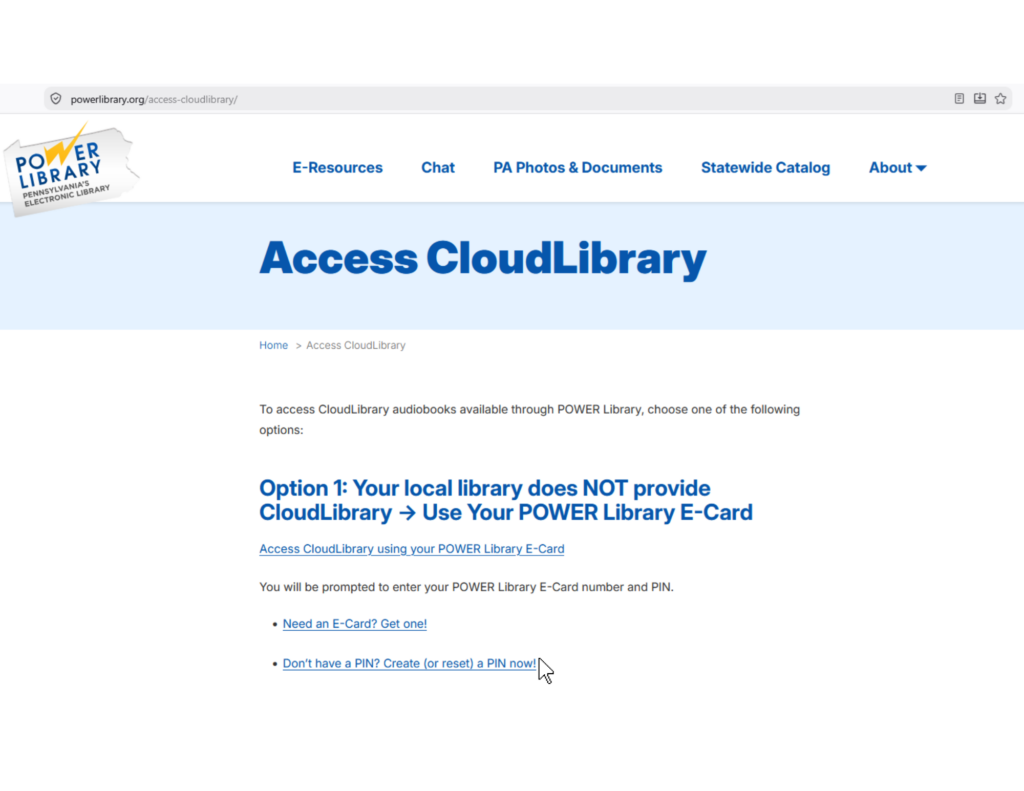
Before accessing CloudLibrary, you will need to create a PIN through the POWER Library website.

Step 3
Download CloudLibrary app (App Store or Google Play) to listen as you go, or use the website to listen from your computer.
Step 4
To setup the app version of CloudLibrary, open the app and follow the prompts to login using your POWER Library e-card number and PIN.


Step 5
Begin browsing and listening!
