
Step 1
From our website, click on Databases from the Digital Resources dropdown menu.
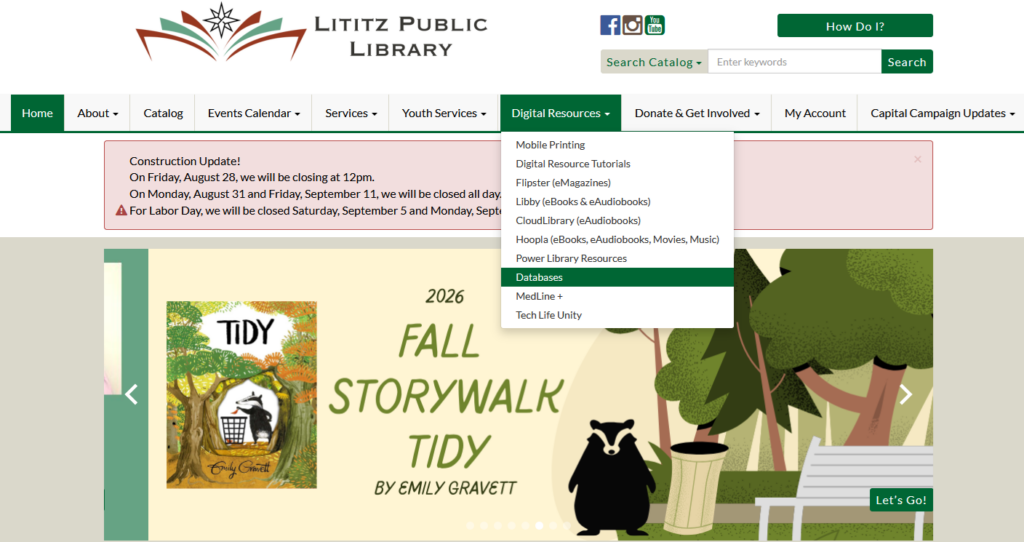
Scroll to the bottom of the list of databases we offer to get to Transparent Language Online.
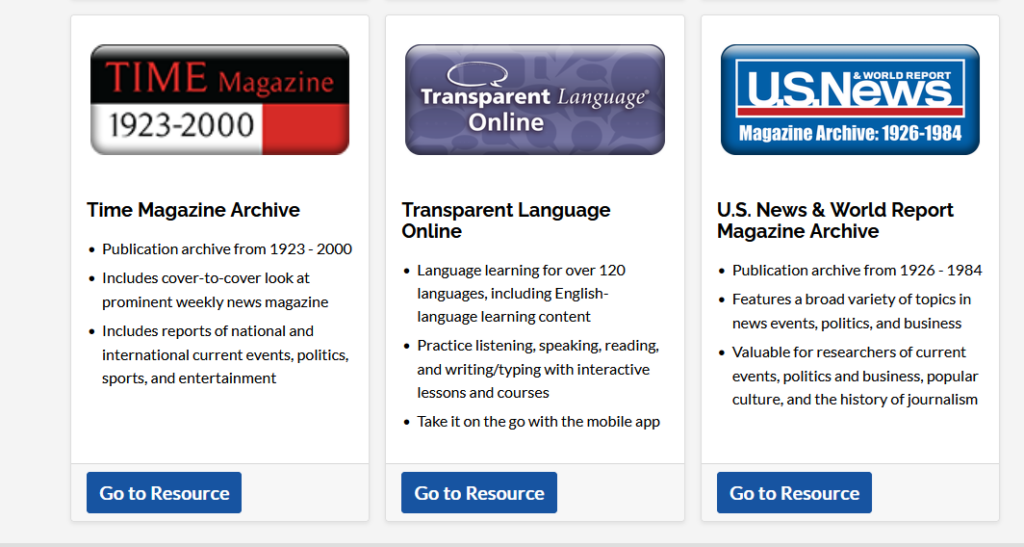
Click on Go to Resource
Step 2
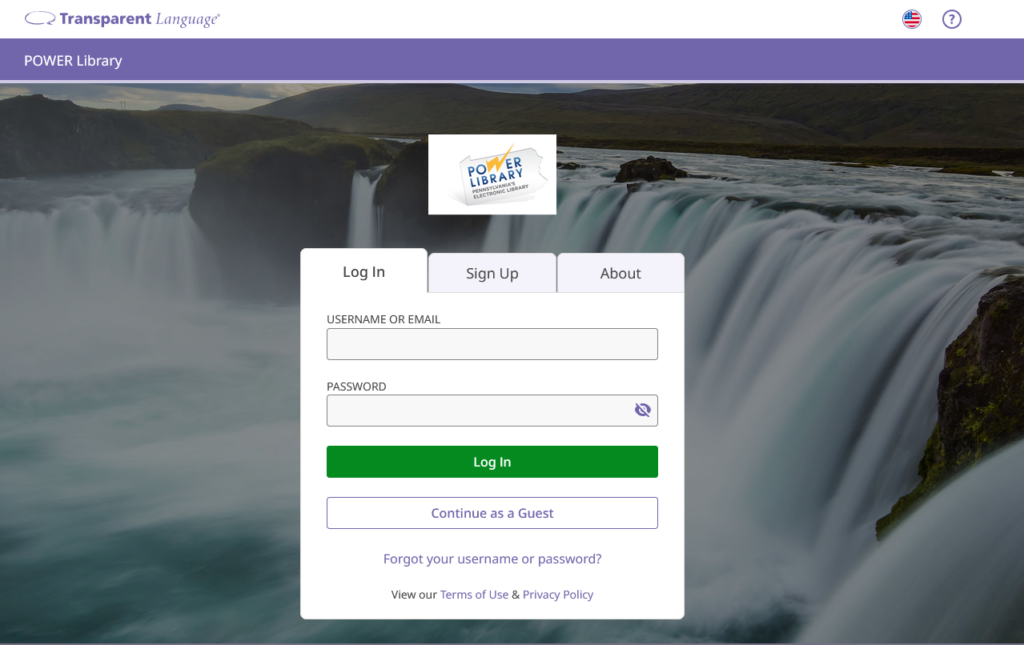
From the Transparent Language website, either click Continue as a Guest or Sign Up.
Step 3
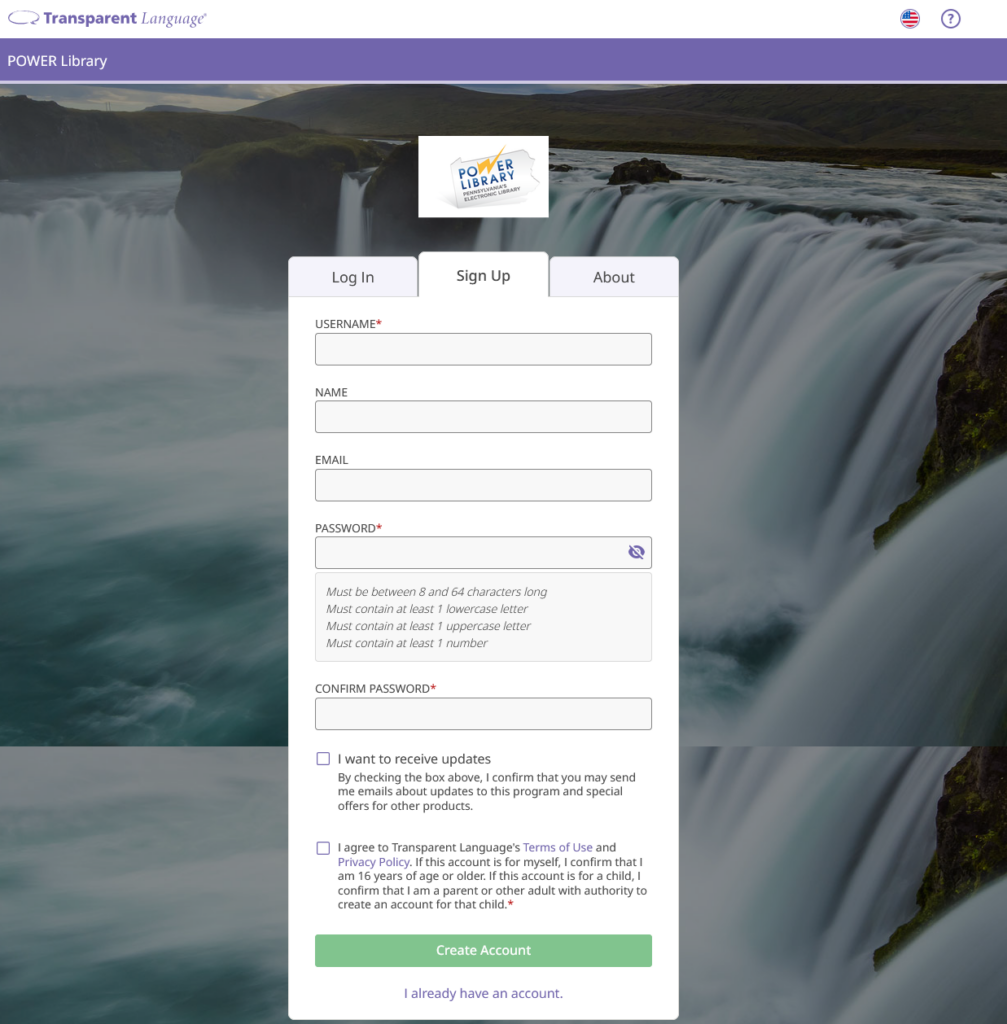
If you choose to sign up and create an account, you will be able to save your progress as you learn. Transparent will pop up a sign up registration and ask for the following information:
Step 4
Transparent will show you all of the languages they offer and you can choose any or multiple from the list!
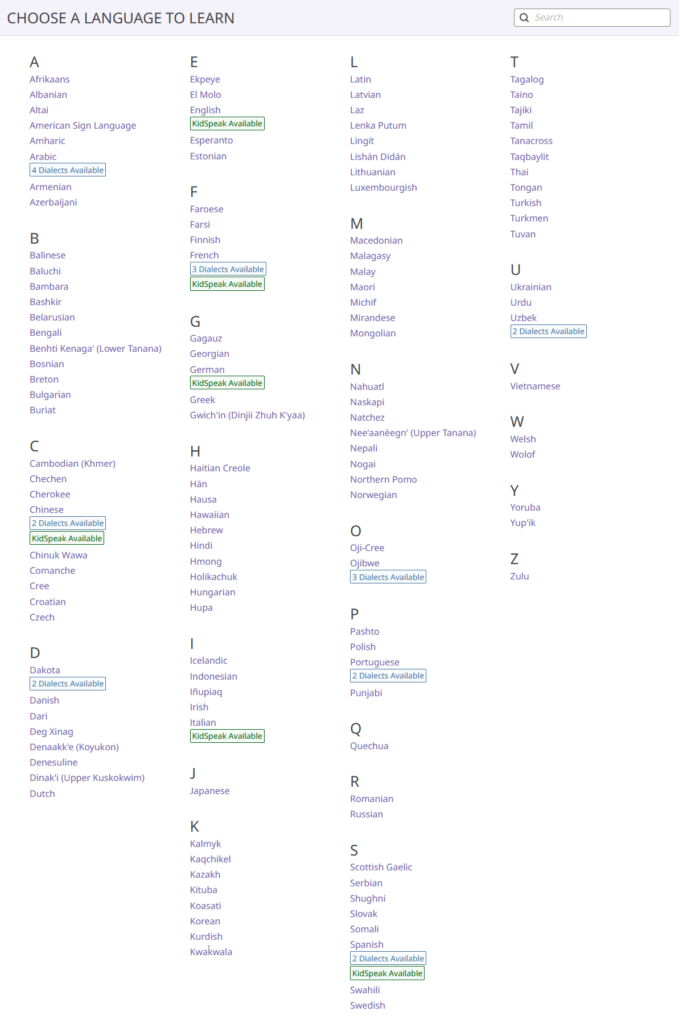
Step 5
After you choose the language you’d like to learn, Transparent will show you the available modules to get started and you can jump right in!

Ready to learn?
Get started here!